
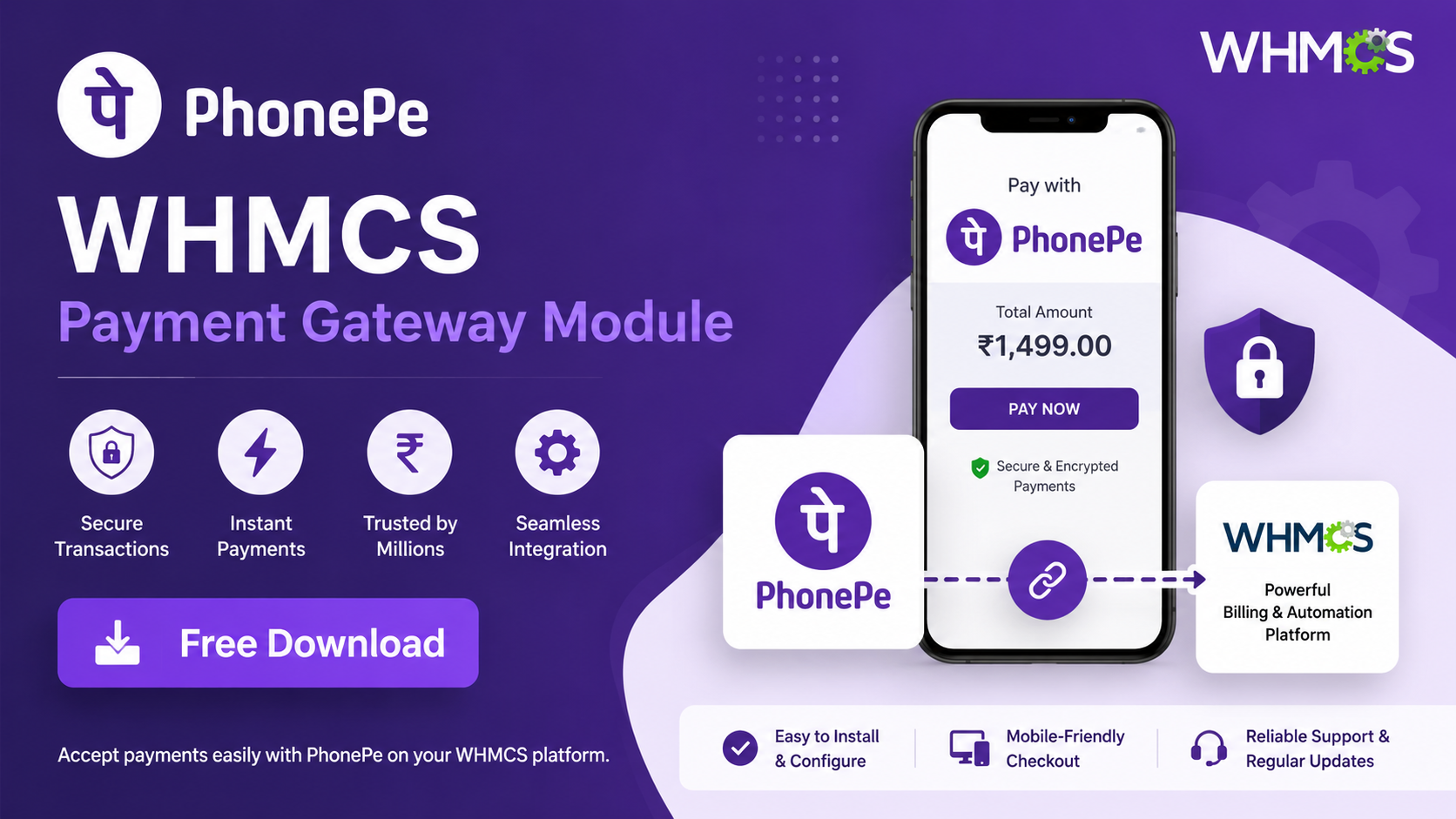
PhonePe Payment
Gateway for WHMCS
Accept PhonePe and UPI payments directly inside your WHMCS billing panel. Copy 3 files, configure your credentials — and your Indian customers get a seamless checkout. Completely free, no monthly fees, ever.
3-Step Install
Copy 3 files. No coding needed.
Sandbox Testing
Test safely before going live.
Auto Callback
Invoices marked paid instantly.
Salt Key Auth
Official PhonePe security.
UPI + PhonePe
QR, UPI ID, or PhonePe app.
Zero Cost
100% free. No license, no fees.
Overview
What is the PhonePe WHMCS Module?
This integration kit connects PhonePe's payment gateway with your WHMCS billing system. Whether you sell web hosting, domain names, or any digital services through WHMCS, this module lets customers pay directly via PhonePe, UPI QR, or any UPI app — without any additional subscription or hidden cost.
Features
Why Use This Module?
3-Step Installation
Copy 3 files and the module is ready. No coding knowledge required.
Sandbox Testing
Test safely in staging mode before switching to production — no real money involved.
Auto Callback
WHMCS automatically marks invoices as paid once payment is confirmed. No manual work.
Salt Key Security
Uses PhonePe's official Salt Key + Salt Index authentication. Fully secure transactions.
UPI + PhonePe
Customers can pay via UPI ID, QR code, or directly from the PhonePe app.
Zero Cost
This module is 100% free. No monthly charges, no license fee, no hidden costs.
Installation Guide
How to Install PhonePe in WHMCS?
Copy the Gateway File
Copy Phonepe/gateways/phonepe.php into your WHMCS installation's /modules/gateways/ folder.
Copy the Callback File
Copy Phonepe/gateways/callback/phonepe.php into your /modules/gateways/callback/ folder. This file handles payment confirmations.
Copy the PhonePe Module Folder
Copy the entire Phonepe/phonepe/ folder into your WHMCS installation's /modules/gateways/ directory. This contains the core module files required for PhonePe to function.
Copy the SDK Folder
Copy the entire phonepe-sdk/ folder into /modules/gateways/. This is PhonePe's official PHP SDK.
Configure in Admin Panel
Go to WHMCS Admin Panel → Setup → Payment Gateways → Activate PhonePe. Fill in your Merchant ID, Salt Key, Salt Index, and Production URL.
Configuration
Staging vs Production Settings
| Environment | Field | Value |
|---|---|---|
| Staging | Production URL | https://api-preprod.phonepe.com/apis/pg-sandbox/pg/v1 |
| Staging | Merchant ID | PGTESTPAYUAT |
| Staging | Salt Key | 099eb0cd-02cf-4e2a-8aca-3e6c6aff0399 |
| Staging | Salt Index | 1 |
| Production | Production URL | https://api.phonepe.com/apis/hermes/pg/v1 |
| Production | Merchant ID | From PhonePe Business Dashboard |
| Production | Salt Key | From PhonePe Business Dashboard |
| Production | Salt Index | From PhonePe Business Dashboard |
FAQ
Frequently Asked Questions
Yes, this module is 100% free and open source. There is no monthly subscription, no license fee, and no hidden charges. Download it, use it, and modify it freely.
The module is compatible with WHMCS 7.x and 8.x. Your server must be running PHP 7.4 or above.
Register your business at business.phonepe.com. After approval, your Merchant ID, Salt Key, and Salt Index will be available inside the PhonePe Business Dashboard under API credentials.
No. Staging / sandbox mode does not process real transactions. It is purely for testing. Real payments only happen when you switch to production credentials.
If a payment fails, the callback handler notifies WHMCS automatically. The invoice remains unpaid and the customer is given the option to retry the payment.
Ready to Accept PhonePe Payments?
Download the module for free and enable PhonePe payments in your WHMCS in under 10 minutes.
Download Module — Free