
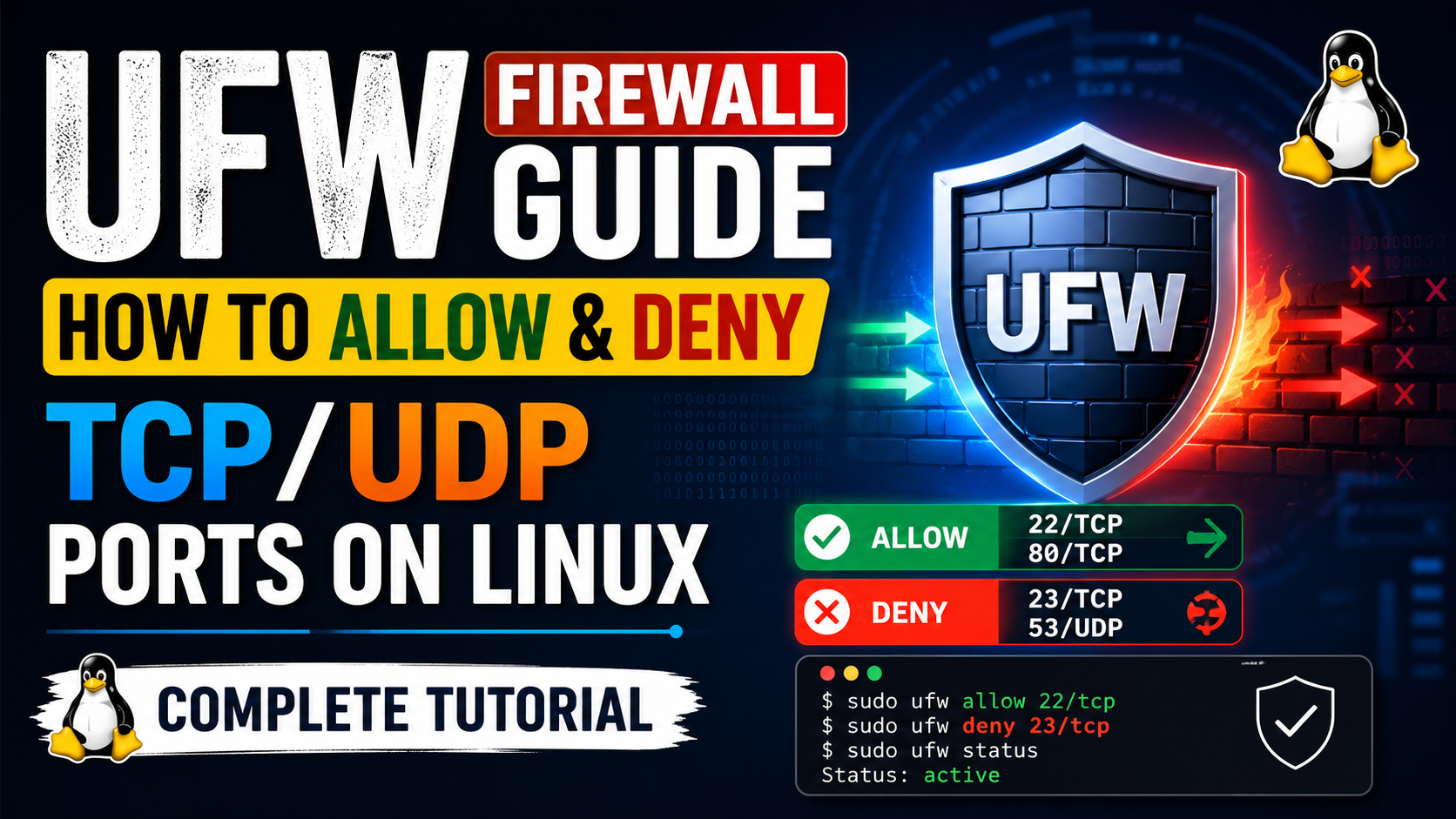
How to Allow & Deny TCP/UDP Ports
using UFW on Linux
A complete step-by-step guide to installing UFW, setting default policies, and precisely controlling inbound and outbound TCP and UDP traffic on Ubuntu and Debian-based systems.
01 What is UFW?
UFW (Uncomplicated Firewall) is a user-friendly frontend for iptables — the powerful but complex Linux kernel firewall. UFW ships by default on Ubuntu and most Debian-based distributions and lets you manage firewall rules without writing raw iptables syntax.
At its core, UFW controls which network packets are allowed to enter or leave your machine based on rules you define — by port number, protocol (TCP or UDP), direction (inbound or outbound), and source/destination IP address.
Outbound — traffic leaving your server out to the internet.
TCP — reliable, connection-based protocol (HTTP, SSH, MySQL).
UDP — fast, connectionless protocol (DNS, VPN, gaming).
02 Install & Enable UFW
First, verify UFW is installed. If not, install it from the default package repository.
# Update package list
sudo apt update

# Install UFW
sudo apt install ufw -y

# Verify installation
ufw --version
ufw 0.36.1
# Allow SSH before enabling — do not skip this!
sudo ufw allow 22/tcp

# Enable UFW (will prompt for confirmation)
sudo ufw enable
Command may disrupt existing ssh connections. Proceed with operation (y|n)? y
Firewall is active and enabled on system startup

# Check current status
sudo ufw status verbose
03 Set Default Policies
The recommended security posture is deny everything by default, then explicitly allow only what you need. This is called a "default deny" policy.
# Block all incoming connections by default
sudo ufw default deny incoming

# Allow all outgoing connections by default
sudo ufw default allow outgoing

# Apply changes
sudo ufw reload
Firewall reloaded
deny and whitelist only the outbound connections you need. We cover that in Section 7.
04 Allow Inbound Ports
TCP Ports — Allow Inbound
# Allow HTTP — port 80, TCP
sudo ufw allow 80/tcp

# Allow HTTPS — port 443, TCP
sudo ufw allow 443/tcp

# Allow custom application port — TCP
sudo ufw allow 8080/tcp

# Allow a port range — TCP (e.g., Node app cluster)
sudo ufw allow 3000:3010/tcp

# Allow from a specific IP only — TCP port 22
sudo ufw allow from 192.168.1.100 to any port 22 proto tcp

# Allow from a subnet — TCP port 3306 (MySQL)
sudo ufw allow from 10.0.0.0/24 to any port 3306 proto tcp
UDP Ports — Allow Inbound
# Allow DNS — port 53, UDP
sudo ufw allow 53/udp

# Allow WireGuard VPN — port 51820, UDP
sudo ufw allow 51820/udp

# Allow game server — UDP
sudo ufw allow 27015/udp

# Allow UDP port range (e.g., RTP media streams)
sudo ufw allow 10000:20000/udp

# Allow both TCP and UDP on same port (no protocol suffix)
sudo ufw allow 53
  # This opens port 53 for both TCP and UDP
05 Deny Inbound Ports
Use deny to silently drop packets. Use reject if you want the sender to receive an explicit "connection refused" response. For most cases, deny is preferred as it does not reveal server presence.
# Block Telnet — port 23, TCP (insecure, always block)
sudo ufw deny 23/tcp

# Block SNMP — port 161, UDP
sudo ufw deny 161/udp

# Block all traffic from a specific IP
sudo ufw deny from 203.0.113.5

# Block specific IP from reaching MySQL — TCP
sudo ufw deny from 203.0.113.5 to any port 3306 proto tcp

# Block an entire subnet
sudo ufw deny from 192.168.100.0/24

# Reject (sends response back) vs deny (silently drops)
sudo ufw reject 8443/tcp
allow 22/tcp before deny from 1.2.3.4, the allow rule wins for port 22. Put more specific deny rules before broad allow rules when needed.
06 Allow Outbound Ports
If you set default outgoing to deny, you must manually allow each outbound connection your server needs to make — such as DNS lookups, package downloads, or API calls.
# First: set outgoing to deny
sudo ufw default deny outgoing

# Allow DNS lookups (required for name resolution) — UDP
sudo ufw allow out 53/udp

# Allow HTTP outbound — TCP (apt, curl, wget)
sudo ufw allow out 80/tcp

# Allow HTTPS outbound — TCP
sudo ufw allow out 443/tcp

# Allow NTP time sync — UDP
sudo ufw allow out 123/udp

# Allow SMTP for sending email — TCP
sudo ufw allow out 587/tcp

# Allow outbound to specific host and port
sudo ufw allow out to 8.8.8.8 port 53 proto udp
07 Deny Outbound Ports
Blocking outbound traffic is useful for preventing data exfiltration, blocking malware callbacks, or stopping your server from being used as a spam relay.
# Block outbound SMTP — prevents spam relay (port 25)
sudo ufw deny out 25/tcp

# Block outbound to a specific IP or subnet
sudo ufw deny out to 198.51.100.0/24

# Block outbound on a specific UDP port
sudo ufw deny out 1194/udp

# Block outbound to specific destination port and IP
sudo ufw deny out to 203.0.113.99 port 443 proto tcp
08 TCP vs UDP — When to Use Each
Choosing the right protocol matters. Always specify /tcp or /udp — otherwise UFW opens the port for both.
| Property | TCP | UDP |
|---|---|---|
| Connection type | Connection-oriented (3-way handshake) | Connectionless — fire and forget |
| Reliability | Guaranteed delivery, ordering, error checking | No guarantee — best effort, lower overhead |
| Speed | Slower — overhead from handshake & ACKs | Faster — no connection setup |
| Common ports | 22 (SSH), 80 (HTTP), 443 (HTTPS), 3306 (MySQL), 5432 (Postgres) | 53 (DNS), 123 (NTP), 51820 (WireGuard), 27015 (Game servers) |
| Use case | Web servers, databases, file transfer, email | VPN tunnels, DNS, video/audio streaming, gaming |
| UFW syntax | ufw allow 80/tcp |
ufw allow 53/udp |
09 Manage & Delete Rules
# List all rules with line numbers
sudo ufw status numbered

     To                         Action      From
     --                         ------      ----
[ 1] 22/tcp                     ALLOW IN    Anywhere
[ 2] 80/tcp                     ALLOW IN    Anywhere
[ 3] 443/tcp                    ALLOW IN    Anywhere
[ 4] 51820/udp                  ALLOW IN    Anywhere


# Delete rule by number (removes rule 2 above)
sudo ufw delete 2

# Delete rule by name (alternative)
sudo ufw delete allow 8080/tcp

# Delete an outbound rule
sudo ufw delete allow out 25/tcp

# Reset ALL rules (start fresh — use with caution!)
sudo ufw reset

# Disable UFW completely (emergency access)
sudo ufw disable
10 Status Check & Debugging
# Full verbose status — shows all rules and policies
sudo ufw status verbose

# Enable UFW logging (low / medium / high / full)
sudo ufw logging medium

# Watch live UFW log output
sudo tail -f /var/log/ufw.log

# Filter log for blocked packets only
sudo grep "BLOCK" /var/log/ufw.log | tail -20

# Test if a port is reachable (from remote machine)
nc -zv your-server-ip 443
Connection to your-server-ip 443 port [tcp/https] succeeded!

# Check which process is using a port
sudo ss -tlnp | grep :80

# Dry run — see what a command would do without applying
sudo ufw --dry-run allow 9000/tcp
sudo ufw status verbose after every change to confirm rules are applied exactly as intended.
11 Quick Reference
| Command Pattern | Direction | Action | Protocol |
|---|---|---|---|
ufw allow 80/tcp |
Inbound | Allow | TCP |
ufw allow 53/udp |
Inbound | Allow | UDP |
ufw deny 23/tcp |
Inbound | Deny | TCP |
ufw deny 161/udp |
Inbound | Deny | UDP |
ufw allow out 443/tcp |
Outbound | Allow | TCP |
ufw allow out 53/udp |
Outbound | Allow | UDP |
ufw deny out 25/tcp |
Outbound | Deny | TCP |
ufw deny out to 1.2.3.0/24 |
Outbound | Deny | Both |