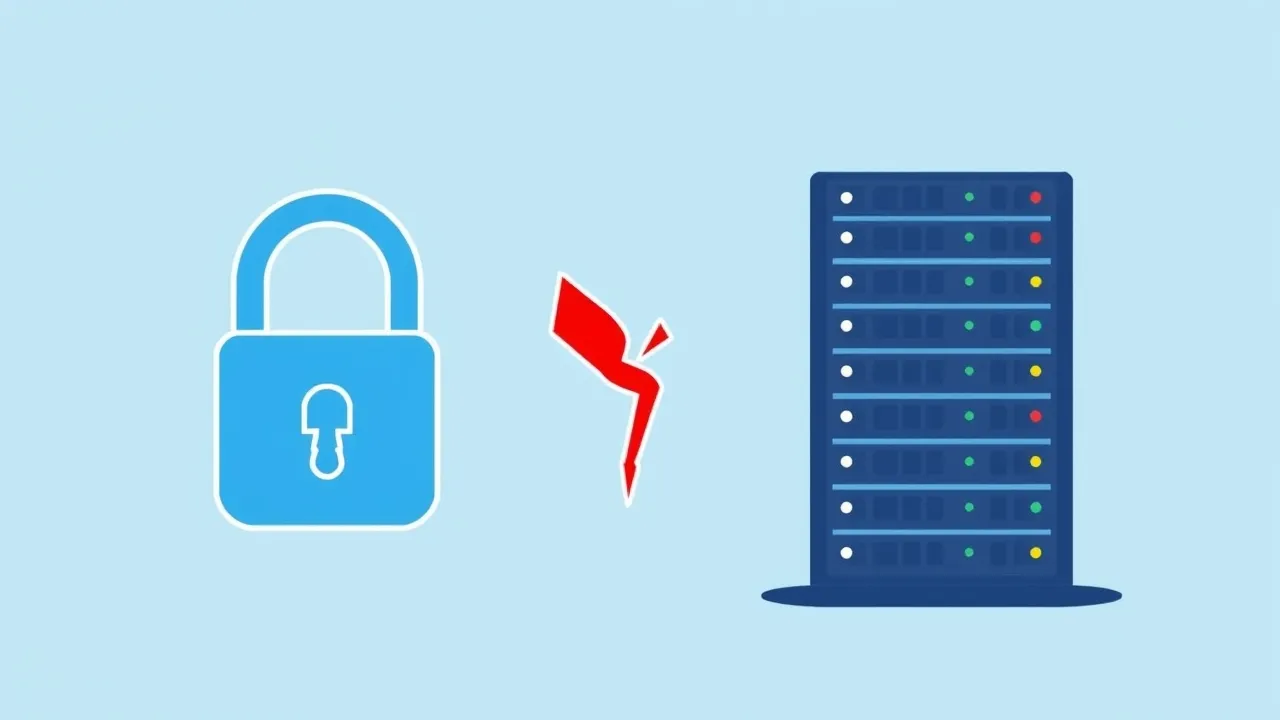
If your domain sits behind Cloudflare's orange cloud, you've probably already made peace with the occasional 5xx error page. But 525 and 526 are a different animal from the usual "origin is down" errors — these two are Cloudflare telling you, specifically, that the SSL handshake between its edge and your origin server fell apart. The site isn't down. The SSL negotiation is.
Here's how to tell the two apart, why each one happens, and how to fix it without accidentally breaking HTTPS for every visitor in the process.
Symptom: What You'll Actually See
Visitors get a Cloudflare-branded error page (not your site's own error page, not a browser error) showing one of:
- Error 525: SSL handshake failed — Cloudflare reached your server on port 443 but couldn't complete the TLS handshake.
- Error 526: Invalid SSL certificate — the handshake completed, but Cloudflare rejected the certificate your origin presented (only shown when SSL mode is set to "Full (strict)").
Both are edge-to-origin problems. Your visitor's browser to Cloudflare is fine — the padlock in their address bar might even show green right up until the page fails to load, because that part of the connection never touches your server at all.
Cause: Why the Handshake Breaks
525 and 526 come from a handful of root causes, and they're not interchangeable — matching the error to the cause saves you a lot of guessing:
| Cause | Usual Error | How It Happens |
|---|---|---|
| No cert installed on origin, or wrong port | 525 | Nginx/Apache vhost has no SSL block, or port 443 isn't listening at all |
| Self-signed or expired origin cert | 526 (Full strict), 525 (Full) | SSL mode is "Full (strict)" and Cloudflare won't accept an untrusted cert; on plain "Full" it may still handshake but flag as invalid |
| Cipher suite mismatch | 525 | Origin's TLS stack only offers ciphers Cloudflare's edge won't negotiate (common on very old OpenSSL) |
| SNI not configured on origin | 525 | Server has multiple SSL vhosts but no default_server / catch-all SSL config, so it presents the wrong cert or none |
| Firewall blocking Cloudflare IPs on 443 | 525 | UFW/CSF/iptables allows 443 generally but a stricter rule or fail2ban ban is dropping Cloudflare's edge IPs specifically |
| Cert chain missing intermediate | 526 | Origin serves the leaf cert only, no intermediate bundle, so Cloudflare can't build a trust path |
The single most common one we see: someone switches Cloudflare's SSL/TLS mode to "Full (strict)" thinking it's simply "more secure," without confirming the origin actually has a valid, non-expired, properly chained certificate. The moment they save that setting, every visitor starts seeing 526.
Fix: Step by Step
1. Confirm which error you're actually getting
Load the site directly (bypass Cloudflare) by editing your local hosts file to point the domain straight at the origin IP, or just curl the origin IP with the Host header set:
curl -vk --resolve yourdomain.com:443:YOUR.ORIGIN.IP https://yourdomain.com/If this fails outright, port 443 isn't answering on the origin — that's your 525. If it succeeds but shows a self-signed/expired cert warning, that's your 526 territory.
2. Check what's actually listening on 443
ss -tlnp | grep :443Nothing there means Nginx or Apache isn't configured for SSL on this vhost, or the service crashed. Check systemctl status nginx (or httpd) and the vhost's SSL directives.
3. Verify the certificate itself
openssl x509 -in /etc/ssl/certs/yourdomain.crt -noout -dates -issuerLook for an expired notAfter date or an issuer that isn't a real CA (self-signed certs list the same name as issuer and subject). In cPanel, check SSL/TLS Status under WHM or the AutoSSL log for the domain — an AutoSSL failure will leave the old self-signed placeholder cert in place, which is exactly what triggers 526 under Full (strict).
4. Match Cloudflare's SSL mode to what your origin can actually support
- Full (strict) — origin needs a valid cert from a public CA (Let's Encrypt/AutoSSL is fine) with the full chain, not expired, and matching the hostname.
- Full — origin needs any cert, including self-signed, but the handshake itself still has to succeed (right port, compatible ciphers).
- Flexible — Cloudflare talks HTTP to your origin, so cert problems on the origin are irrelevant, but this mode has its own downsides (mixed-content loops if your app forces HTTPS).
If you're not ready to fix the origin cert today, dropping from Full (strict) to Full is a legitimate stopgap — not a downgrade in the way Flexible is, since traffic is still encrypted edge-to-origin.
5. Rule out a firewall or rate-limit blocking Cloudflare's IPs
Cloudflare publishes its edge IP ranges at https://www.cloudflare.com/ips/. If you're running CSF, fail2ban, or a strict UFW ruleset, confirm those ranges aren't blocked:
sudo ufw status | grep 443
sudo csf -g CLOUDFLARE_IP_HERE
A single aggressive fail2ban jail (especially one watching HTTP auth failures) can end up banning Cloudflare's own IPs if you're not whitelisting them, and that reads to Cloudflare exactly like a broken handshake.
6. Fix a missing intermediate chain
If OpenSSL shows a valid leaf cert but Cloudflare still reports 526, the intermediate bundle is probably missing. In cPanel's SSL/TLS Manager, make sure the "Certificate Authority Bundle (CABUNDLE)" field is populated when you install the cert — AutoSSL handles this automatically, but manually installed CSR-based certs sometimes don't.
Prevention
- Only switch to Full (strict) after confirming the origin cert with
openssl x509or an SSL Labs test on the origin IP directly. - Set a calendar reminder or monitor for AutoSSL/Let's Encrypt renewal failures — a silently failed renewal today becomes a 526 in 90 days.
- Whitelist Cloudflare's published IP ranges in CSF/fail2ban so future firewall tightening doesn't quietly cut off the one client that matters most.
- After any origin SSL change, curl the origin IP directly (as in step 1) before assuming Cloudflare will just pick it up — this catches handshake breakage before visitors do.
Frequently Asked Questions
Is my site actually down if I see error 525 or 526?
Not necessarily. Your origin server can be running fine — these errors are specific to the SSL handshake between Cloudflare and your origin, not a general outage. HTTP traffic or a direct curl to the origin often works even while Cloudflare shows 525/526.
Why did this start right after I renewed my SSL certificate?
A fresh cert sometimes installs without its intermediate bundle, or the web server wasn't reloaded after installation so it's still serving the old (now mismatched or expired) cert. Restart Nginx/Apache and re-check the chain with openssl x509.
Can I just switch to Flexible SSL to make the error go away?
You can, and it'll stop the error, but Cloudflare will then talk plain HTTP to your origin — anything sniffing traffic between Cloudflare's edge and your server sees it unencrypted, and you risk redirect loops if your app forces HTTPS. Treat it as a last resort, not a fix.
How do I know if a firewall rule is the cause and not the certificate?
Test with curl -vk --resolve straight to the origin IP from a machine outside your network. If that handshake succeeds cleanly, the cert and server config are fine, and the problem is specific to Cloudflare's IPs being blocked or filtered.
Does this affect email or just the website?
Only the website, if it's the domain's A/AAAA record proxied through Cloudflare (orange cloud). Mail (MX records) is virtually never proxied through Cloudflare, so SMTP/IMAP keep working independently of this error.